We're launching soon! Launch on 01.10.2026!01.10.2026

Magazine · Document layout

DIN 5008 Form B: where the address belongs on the page

You fold the letter twice, slide it into the envelope, and the name should show in the window. Not the logo. Not a blank patch. Not the first line of the invoice. A few millimeters too high or too low, and the recipient sees something that was never meant for the window. That is what DIN 5008 Form B prevents: it says where the address must sit on an A4 page.

Diagram of an A4 page following DIN 5008 Form B. The address field starts 45 mm from the top edge and 20 mm from the left, matching DIN-lang window envelopes.

What DIN 5008 actually covers

DIN 5008 sounds like bureaucracy. In practice it is office routine. The standard describes how business letters, invoices and quotes are set on A4: margins, address, date, folds. Not so letters look pretty, but so they fit the same envelope the office next door uses.

The critical part is the address field. Name and address have to show through a DIN-lang (C6/5) window envelope. Shift the field up and the logo appears. Shift it down and a line item peeks out. The standard pins the field so print, fold and envelope line up.
Form A and Form B

The standard has two forms. The difference is small, and it is the whole letterhead.

With Form A the address field starts just 27 mm from the top. There is barely room above for a logo and sender line. The variant still exists, but it matches the envelopes in the drawer less and less. Their windows sit lower.

Form B drops the field to 45 mm. That leaves 45 mm above for letterhead, logo and sender. Below, the address sits where a typical DIN-lang window actually is. That is why Form B is the default in German offices.

Looking at the page

An A4 page is 210 by 297 millimeters. Form B divides it into fixed zones. Move them freely and the letter may no longer fit the envelope.

A 20 mm margin on the left. 45 mm from the top the address field begins: 85 mm wide, 45 mm high. That block is the window. Whatever sits inside it, the recipient sees before opening the envelope. Logo and sender belong above, in the letterhead. To the right sits the information block for date, customer number or references, without covering the address.

Two fold marks sit at 105 mm and 210 mm. Fold twice and the sheet fits a DIN-lang envelope. Below comes the body: line items, totals, the letter itself. The footer stays at the bottom edge, out of the window.

Why sevDesk stays with Form B

sevDesk writes invoices, quotes and reminders for everyday German bookkeeping. Many of them are printed or saved as PDF and put in a window envelope. The software fills name, street and city automatically. For that to land in the window, the document template has to leave the address field where Form B puts it.

The default templates in sevDesk do that. If you import your own HTML file under Settings, keep the same grid. Move only the address field because it looks nicer in a mock-up, and envelope and printer no longer line up, even though sevDesk still fills the data correctly.

What that means for a different layout

A new design may change type, color and the character of the page. The address field should still follow Form B. Otherwise the layout wins on screen and loses in the envelope.

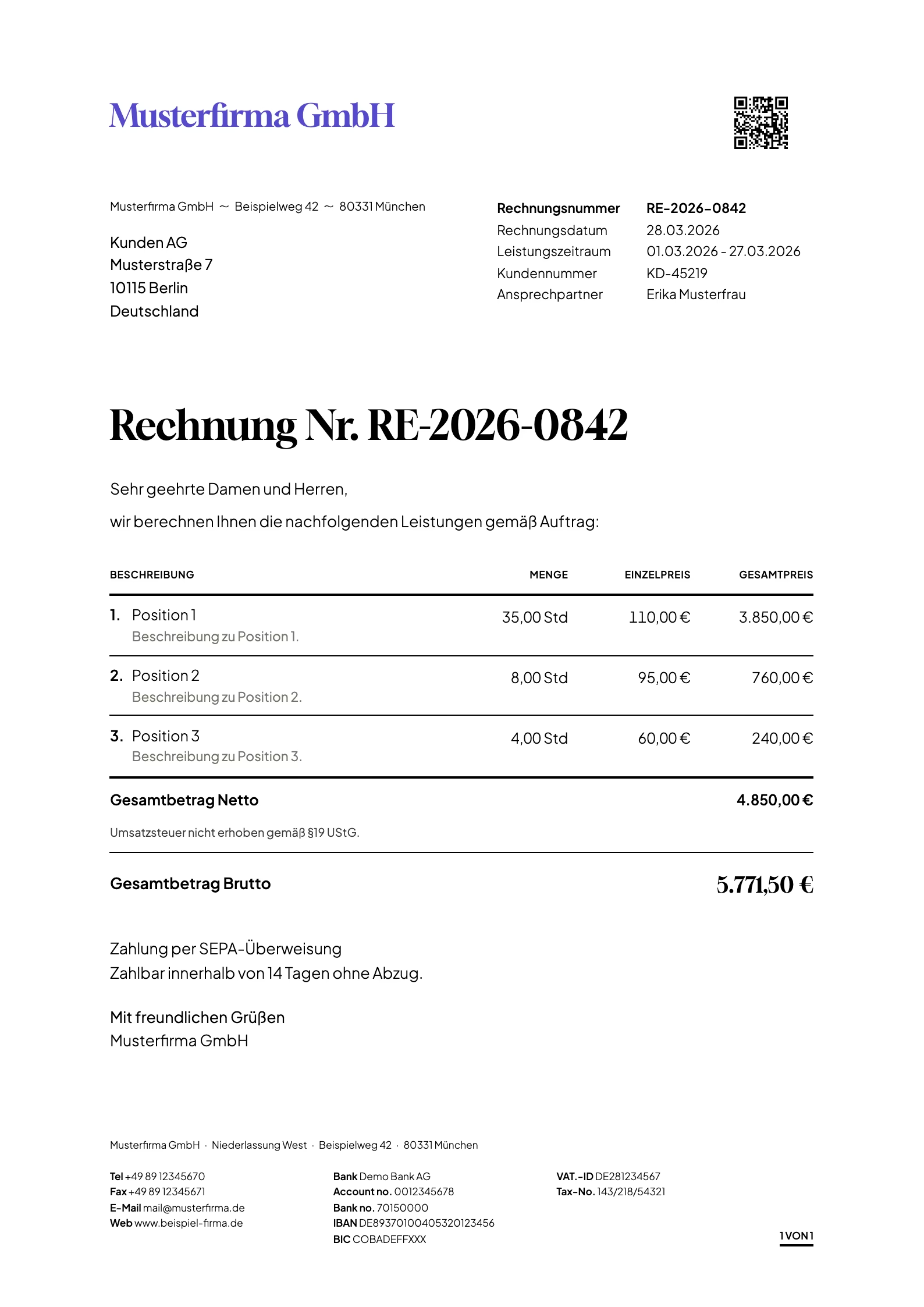
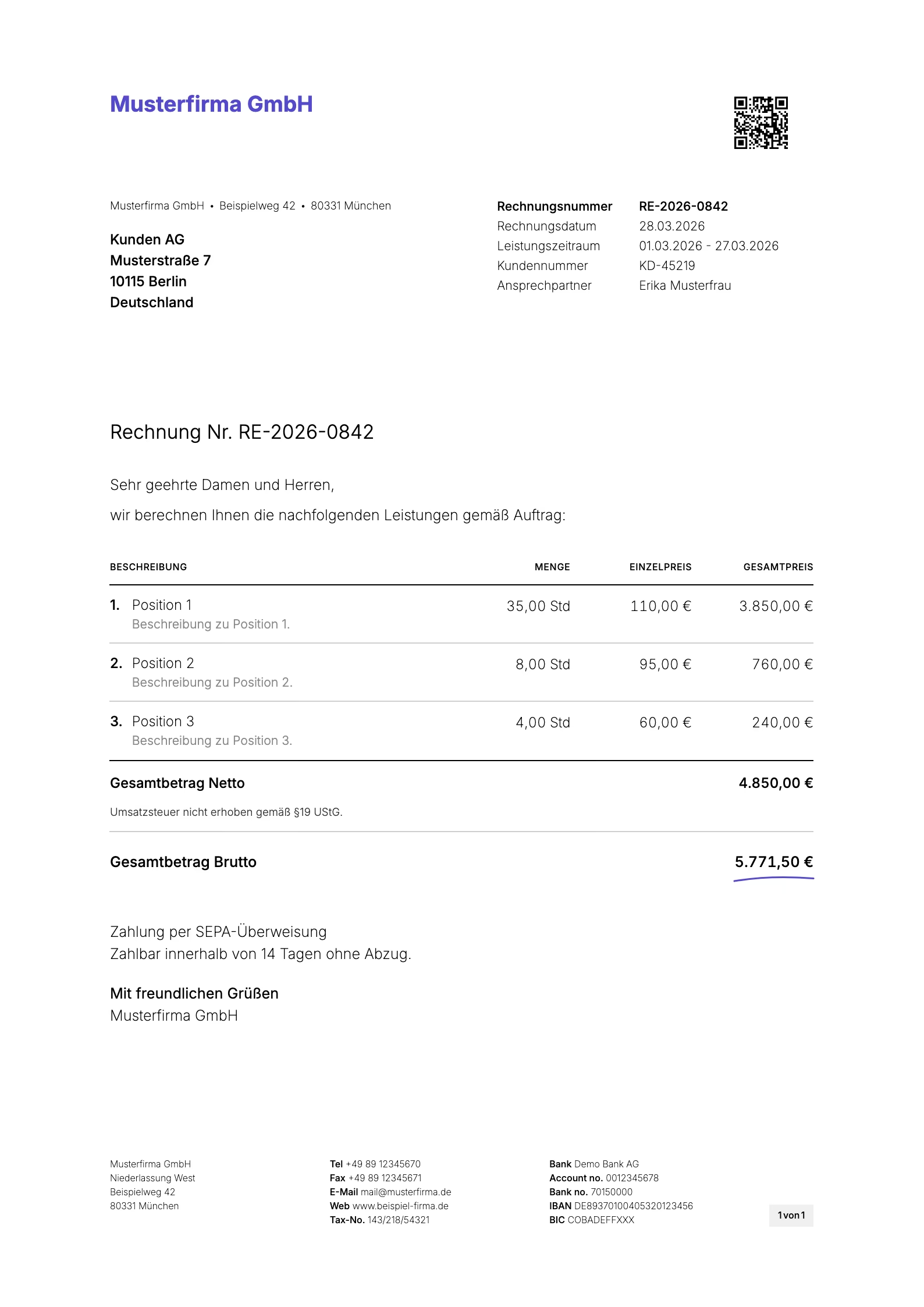
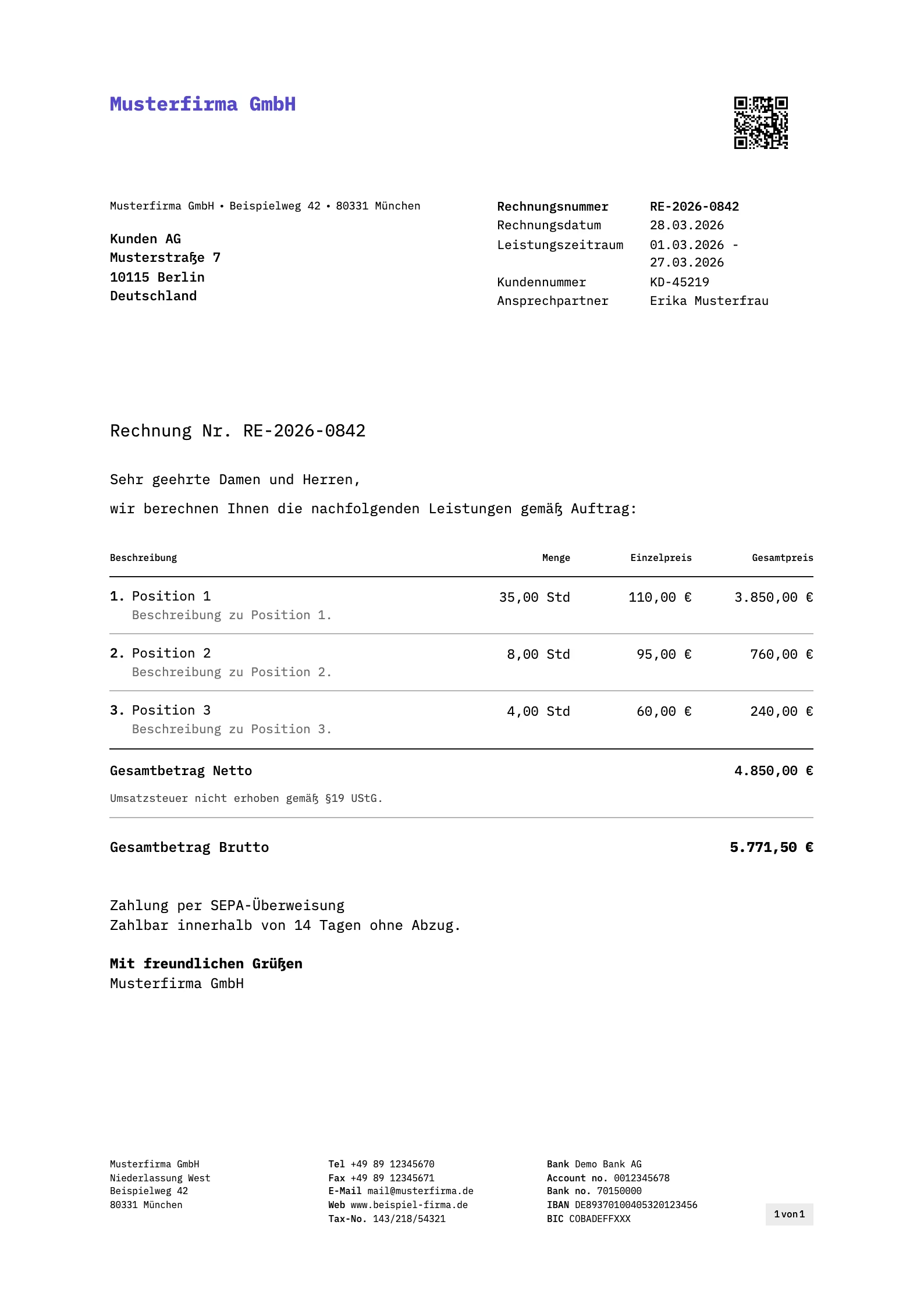
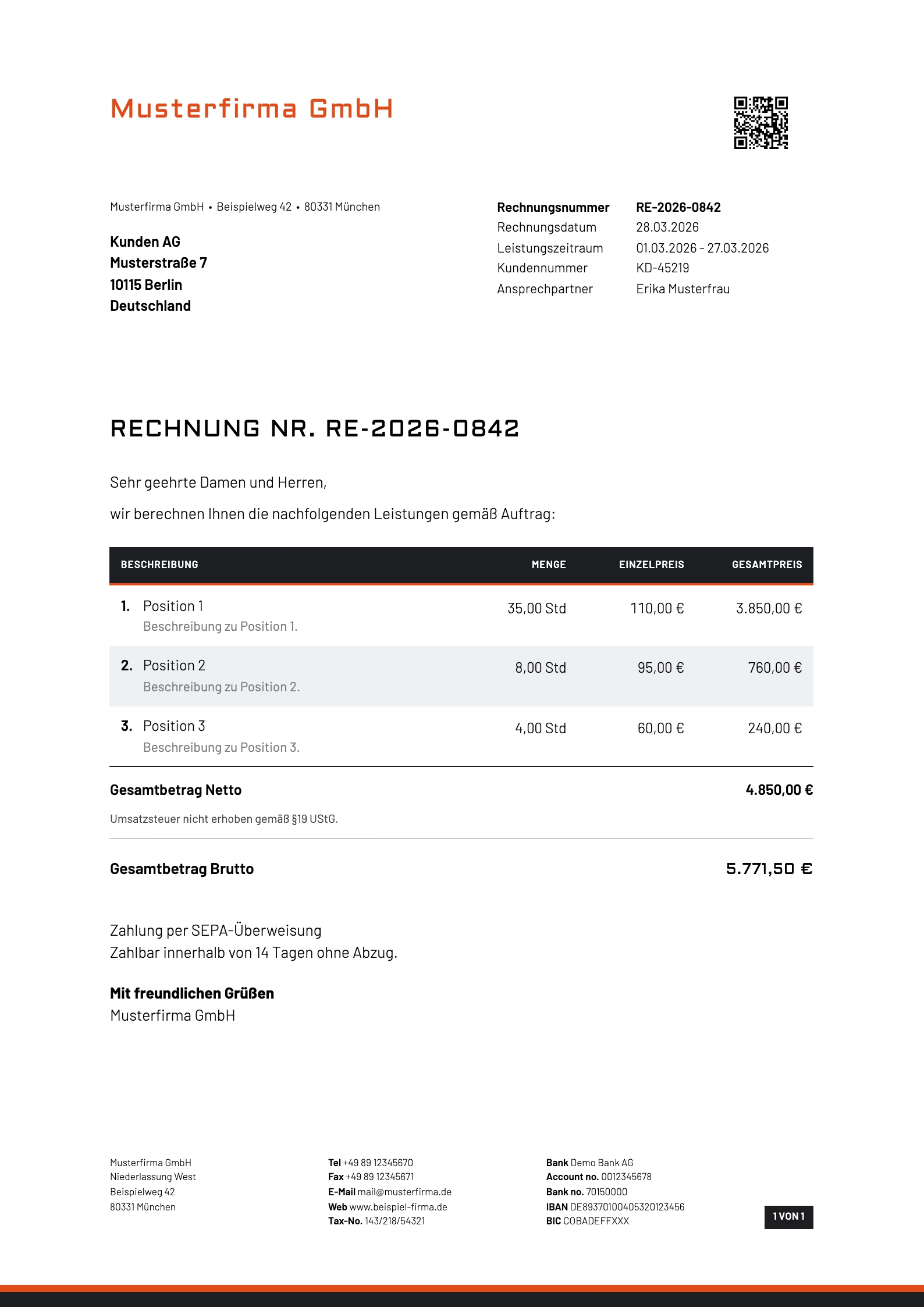
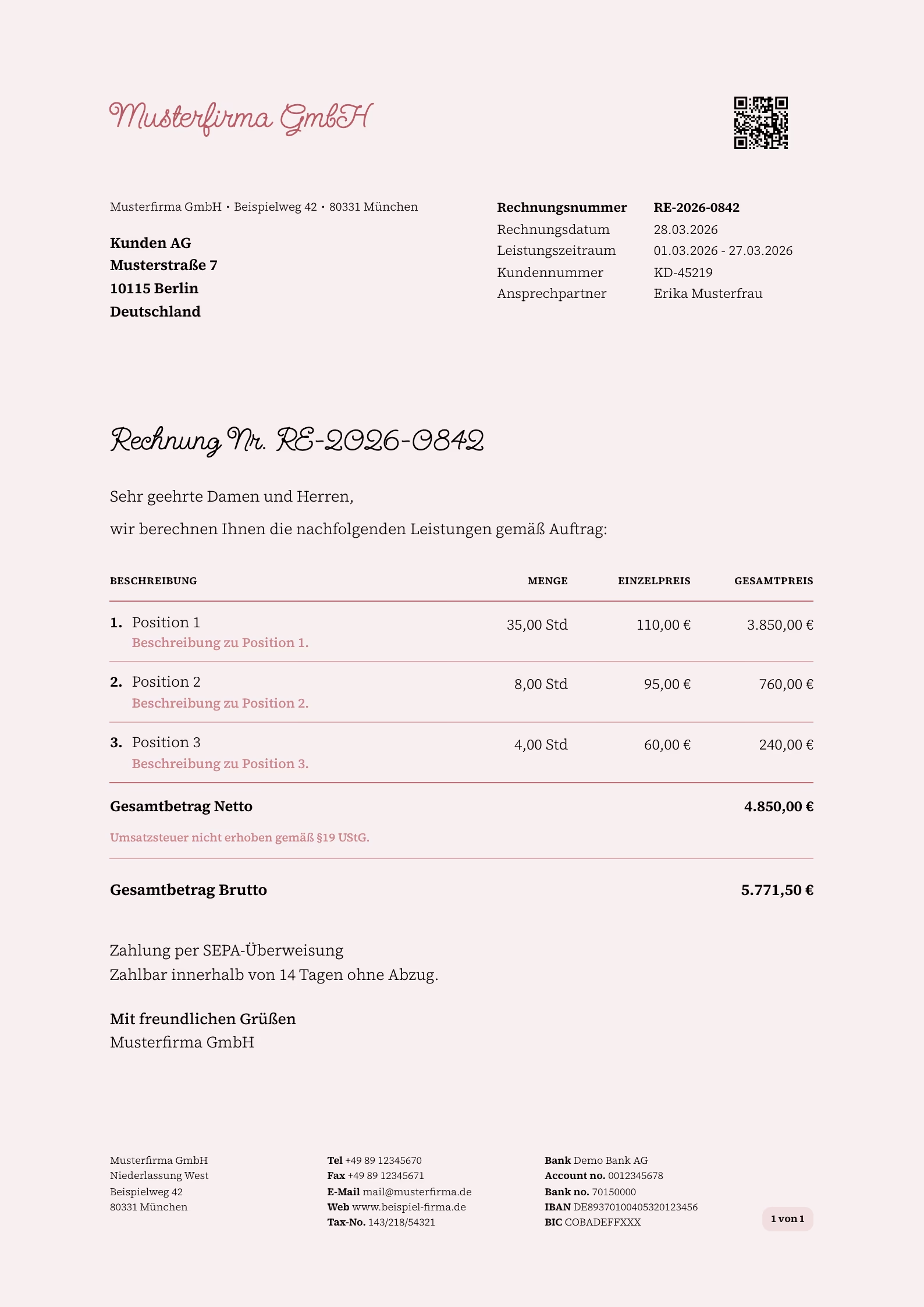
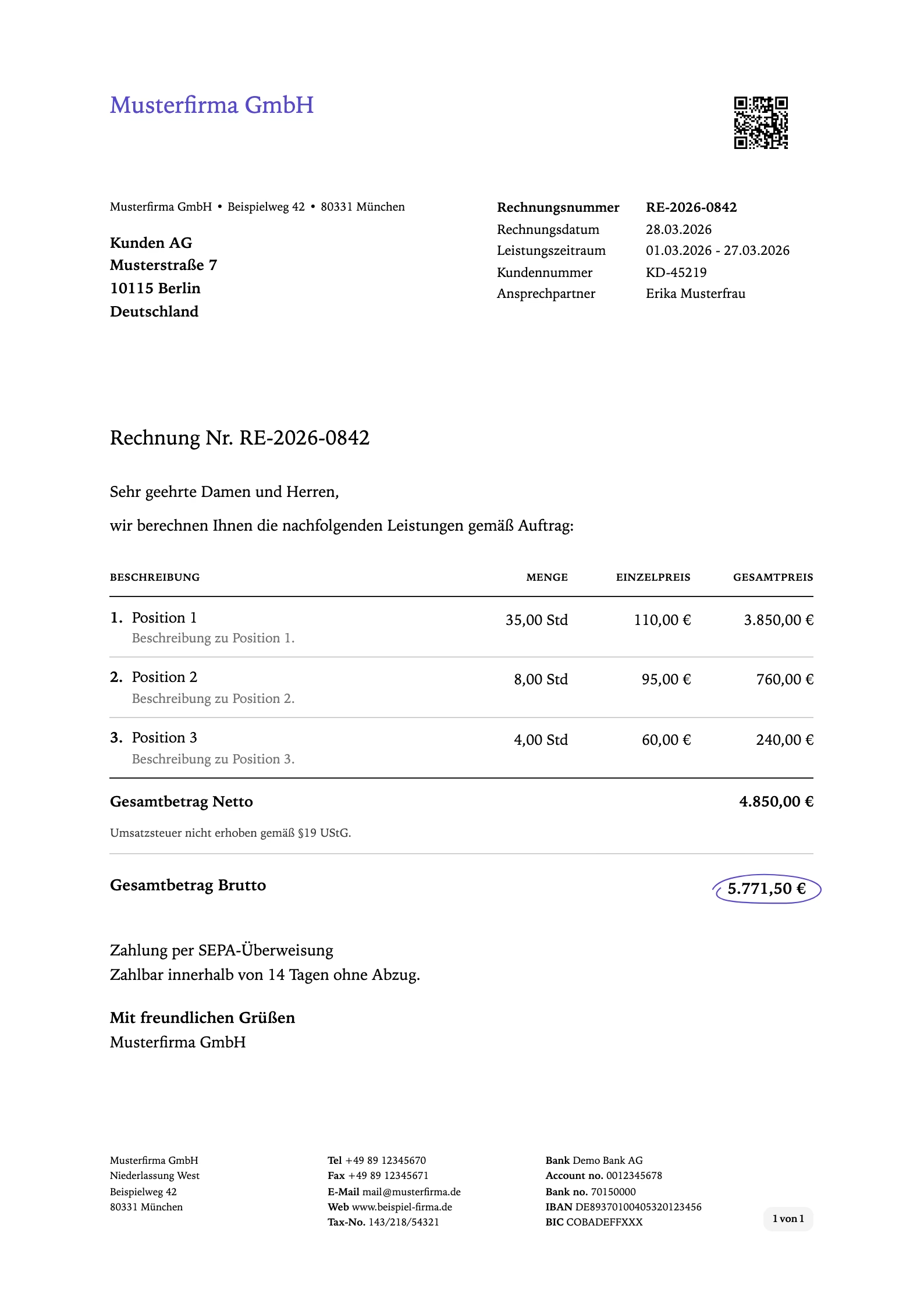
Our templates for sevDesk are built that way. They replace the look of the default template, not the position of address, date and amounts. After import you set logo and colors in sevDesk. The grid stays DIN 5008 Form B.

If you are unsure, import the demo into your own account first and print a test page. What sits in the window is obvious then.

DIN 5008 Form B templates for sevDesk